
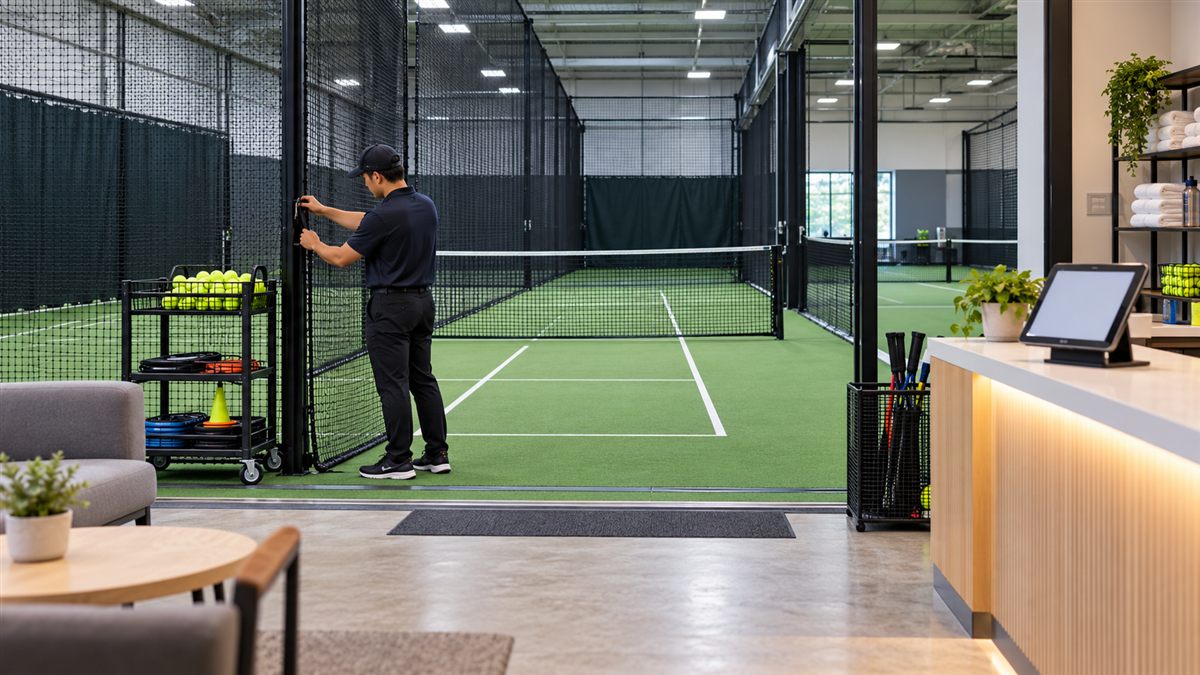
Concept image for editorial illustration; not a RAXION product photograph.
Reliable daily operations turn an impressive demonstration into a repeatable customer experience. A venue needs a process for welcoming players, preparing the training bay, supervising use and resetting the room between sessions.
Before opening
Inspect the practice surface, screen, barriers, ball supply and visible cables. Verify that staff can start, pause and stop the training system and that the room is clear of hazards. Use a written checklist tailored to the installed equipment and local safety rules.
During bookings
Set clear session lengths, transition time and staff responsibilities. Explain the selected mode and the practice-area rules before play begins. Record faults and interruptions consistently, including when they occurred and what staff did, so support requests can be handled efficiently.
After each session
Allow time to collect balls, review results if relevant and prepare the next program. At closing, reconcile the schedule, clean the area and document any maintenance issue. Confirm which booking or management functions are included in the exact software package rather than assuming every workflow is automated.
Frequently asked questions
Does the system remove the need for staff?
A facility still needs people to manage customers, safety, coaching and exceptions.
Can bookings be integrated?
Ask RAXION for the current management-software scope and integration options for your configuration.
Next step
Use a live RAXION demonstration to build your venue’s opening, session and closing checklists.
Sources raxionofficial.co.kr/contact | www.benews.co.kr/news/475544